

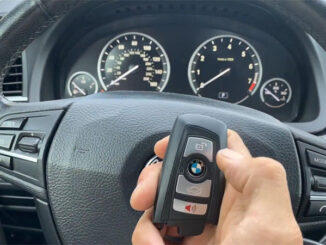
Autel IM608 II Adds 2013 BMW 535i CAS4+ Smart Key by OBD
We’re going to add a smart key for 2013 BMW 535i CAS4+ using Autel IM608 Pro 2 key Programmer by OBD. Here’s our original key on the […]
We’re going to add a smart key for 2013 BMW 535i CAS4+ using Autel IM608 Pro 2 key Programmer by OBD. Here’s our original key on the […]

We are having Autel Flash Sale now, please check the following details: Best Price for All Items UK / EU Free Shipping, No Tax & Fast Date: 9.12-9.21 […]
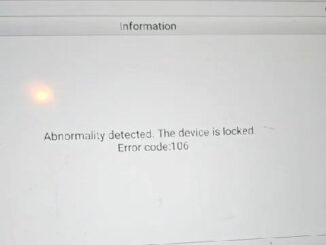
Problem: When I was trying to use Autel IM608 II Key Programmer to read the 2016 BMW engine ECU ISN, it kept saying the prompt: […]
Autel MaxiIM IM508S is able to add a new 2023 Toyota Sienna key with a free pin code by OBD. Need to connect with a […]
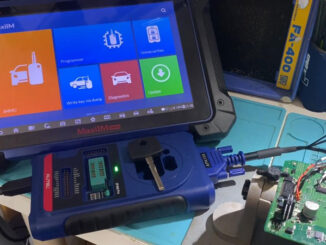
Today we’re going to program the 2010 Mercedes-Benz(US) Sprinter W906 with all keys lost by Autel IM608 II + XP400 Pro on the bench. It uses a […]
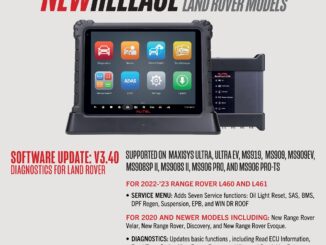
New Software Release from AUTEL for Land Rover Update your Software and Enjoy Full Access to AUTEL diagnostics services for land rover models. FOR 2022-2023 […]
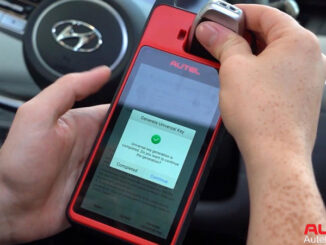
Autel MaxiIM KM100 Key Fob Programming Tool can successfully program 2022 Hyundai Tucson(NX4) all keys lost by OBD. Besides it can also read passwords for keyless […]
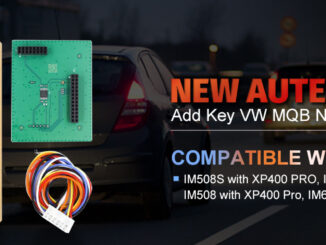
2023 New AUTEL APB130 Add Key for VW MQB NEC35XX Work with XP400 Pro Note: You need to own Autel XP400 PRO Advanced Key Programming Accessories and APB130 […]
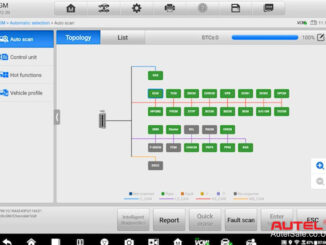
Topology mapping is a new exclusive & innovative feature to Autel Maxisys Ultra diagnostic tablet, MS919 & MS909 diagnostic tools. Topology is a term that’s used […]
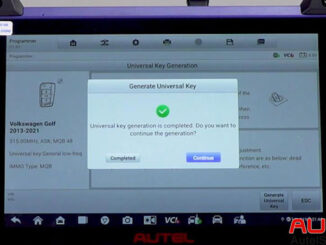
This is a tutorial on how to use Autel MaxiIM IM608 PRO II to generate the 2013-2021 Volkswagen Golf MQB universal key. Need to use Autel IKEY […]
Copyright © 2026 | WordPress Theme by MH Themes