
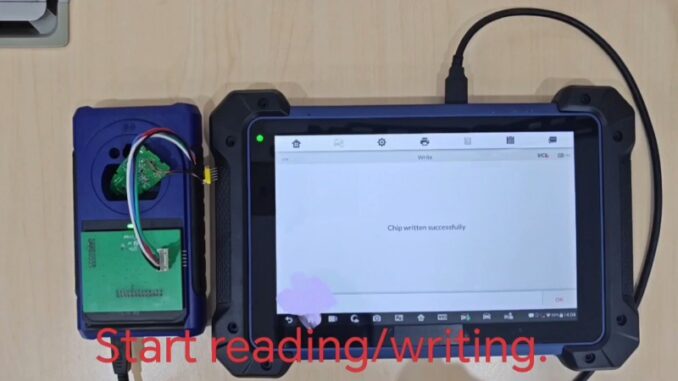
This guide shows how to read and write NCF29XX chips via dump using the Autel IM608 II + XP400 Pro and APB113 Adapter.
Required Tools
Autel MaxiIM IM608 II
XP400 Pro Programmer
Autel APB113 Adapter
Target chips
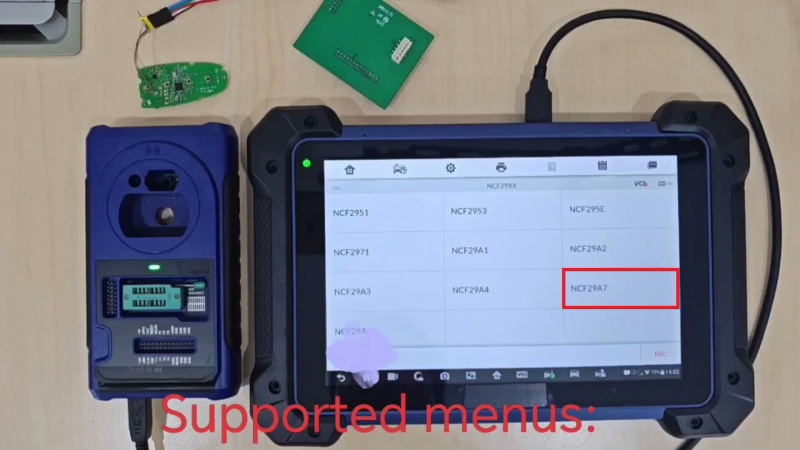
Supported chips: NCF2951, NCF2953, NCF295E, NCF2971, NCF29A1, NCF29A2, NCF29A3, NCF29A4, NCF29A7, and NCF29AE.
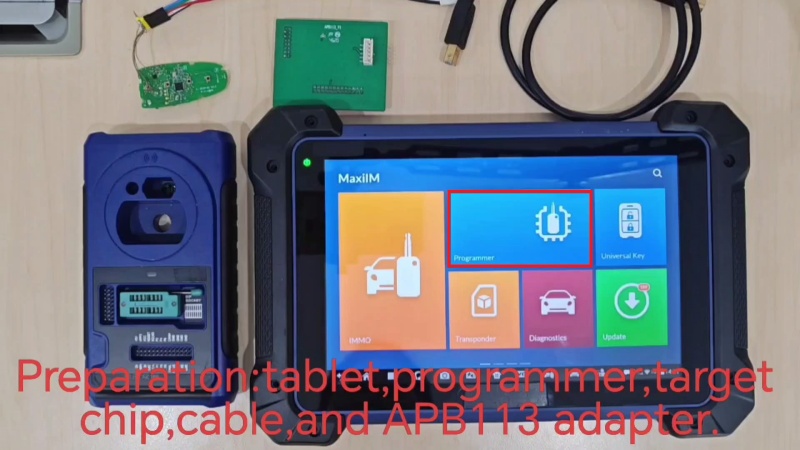
1. Select the Chip Type
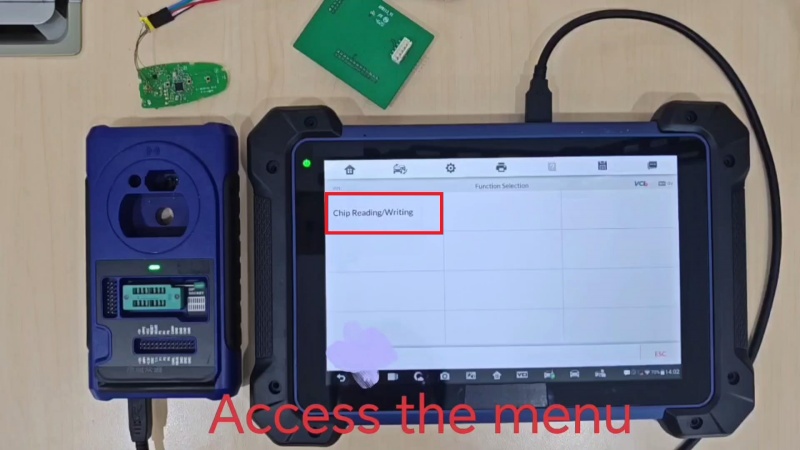
On the IM608 II, go to:
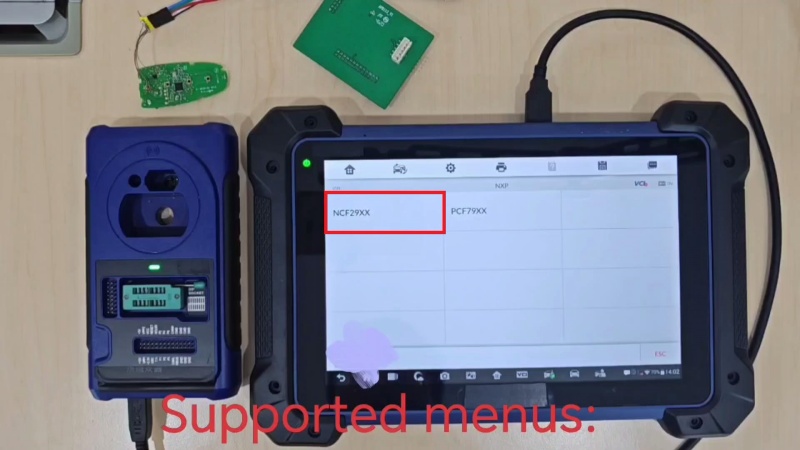
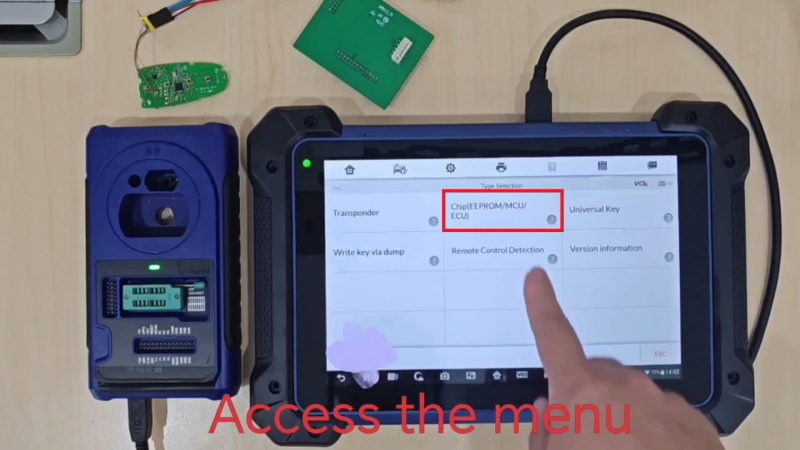
Programmer → Accept → Chip (EEPROM/MCU/ECU) → Chip Reading/Writing → MCU → NXP → NCF29XX
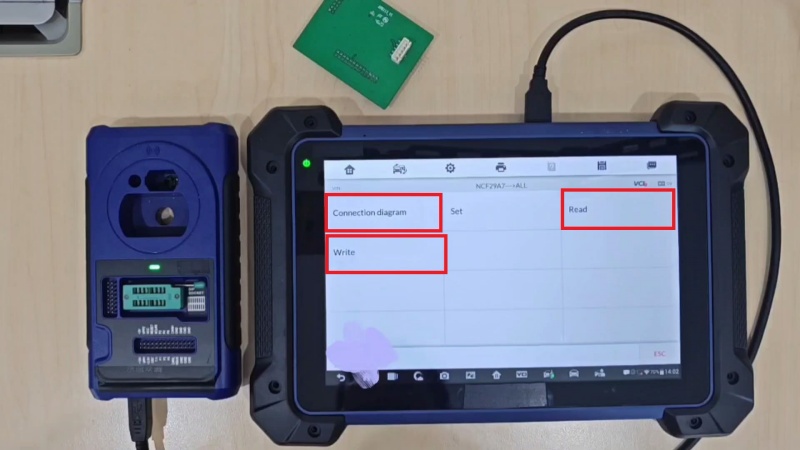
Select the target chip model, such as NCF29A7, then choose All and open the connection diagram.
2. Connect the APB113 Adapter
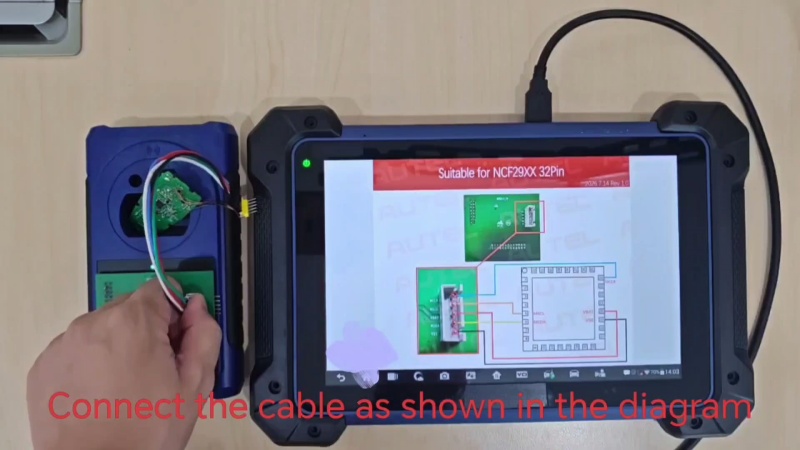
Follow the on-screen connection diagram to connect the APB113 adapter and wires to the chip. Once the connections are in place, click Read.
3. Read & Save the BIN File
Wait for the chip reading process to reach 100%. Do not disconnect the USB cable while reading is in progress. Save the data file once reading is complete.
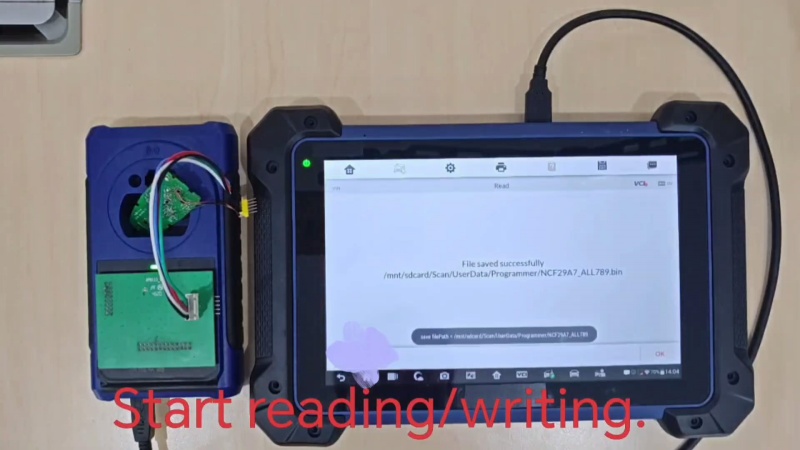
4. Write the Data to Another Chip
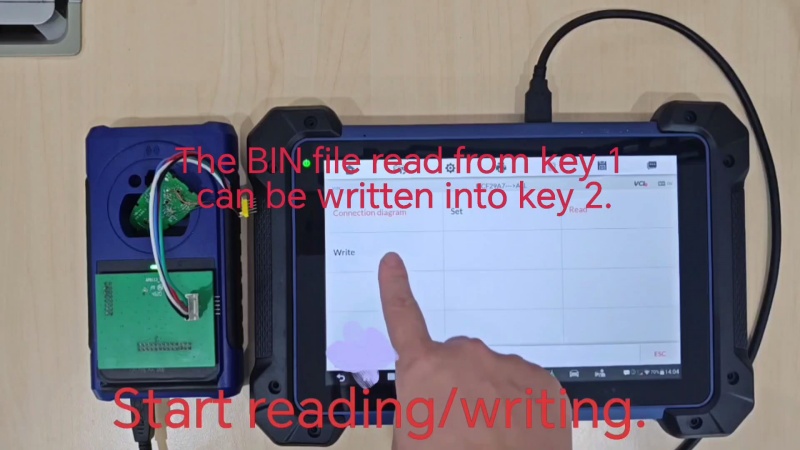
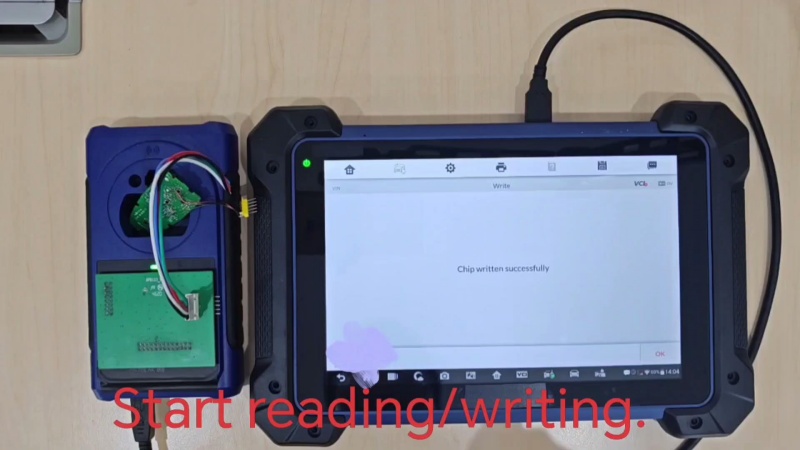
The BIN file read from Key 1 can be written to Key 2. Return to the chip reading/writing menu, click Write, and select the saved BIN file. Wait until the process reaches 100% and the tool displays Chip written successfully.