
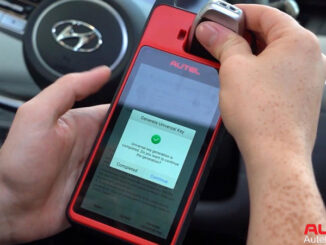
Autel KM100 Program 2022 Hyundai Tucson All Keys Lost
Autel MaxiIM KM100 Key Fob Programming Tool can successfully program 2022 Hyundai Tucson(NX4) all keys lost by OBD. Besides it can also read passwords for keyless […]
Autel MaxiIM KM100 Key Fob Programming Tool can successfully program 2022 Hyundai Tucson(NX4) all keys lost by OBD. Besides it can also read passwords for keyless […]
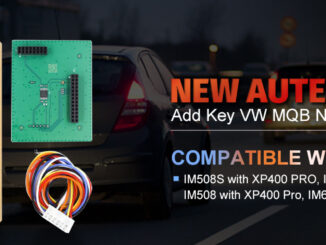
2023 New AUTEL APB130 Add Key for VW MQB NEC35XX Work with XP400 Pro Note: You need to own Autel XP400 PRO Advanced Key Programming Accessories and APB130 […]
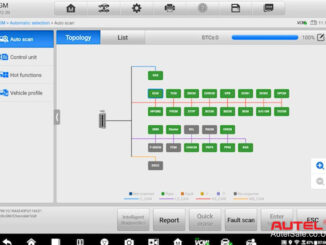
Topology mapping is a new exclusive & innovative feature to Autel Maxisys Ultra diagnostic tablet, MS919 & MS909 diagnostic tools. Topology is a term that’s used […]
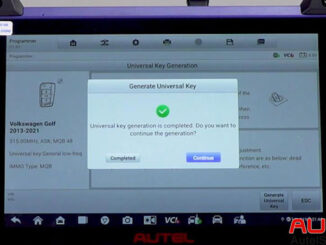
This is a tutorial on how to use Autel MaxiIM IM608 PRO II to generate the 2013-2021 Volkswagen Golf MQB universal key. Need to use Autel IKEY […]
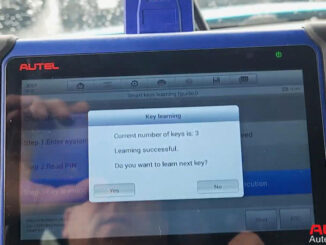
Autel MaxiIM IM508S Key Programming Tool is able to add a new key for the 2020 Jeep Renegade by OBD. Need to use a 12+8 […]
Q: Customer IM508 registration, renewal, user center installation jump upgrade failure occurs. The green interface jumps to a fault, the fault is shown in the […]
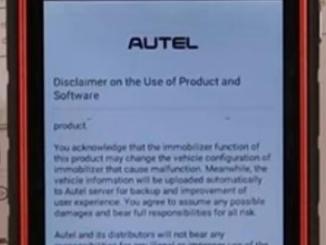
How to Activate and Update Autel MaxiIM KM100 / KM100E? Autel MaxiIM KM100 KM100E is an advanced key and immobilizer touchscreen tablet capable of Smart […]
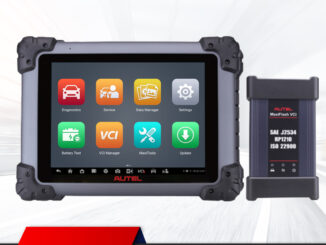
In addition to advanced BMW/Benz programming & coding features, Autel MaxiSys Elite 2 Pro is coming with faster AutoScan 2.0. Let’s find what’s new and […]
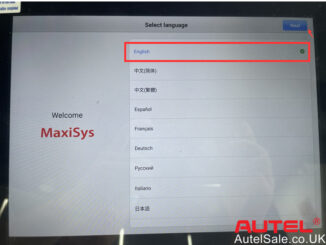
Autel Pre-selected Language Operation Guide 1. What is the preselected language? In order to allow customers to choose the language they need when they get […]
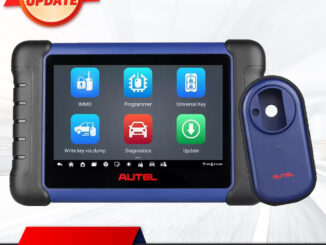
Autel MaxiIM IM508S Key Programming Tool for Smart Code and Expert Code Smart Mode The Smart Mode provides guided functions with step-by-step instructions. Once the […]
Copyright © 2026 | WordPress Theme by MH Themes